
Configs
Configs for the TimeTracking App are located in .env file that is excluded from git.
This file contains Laravel default configs in addition to described below.
Configs are set as key-value pairs (ex. FOO=foo). Each config should be added to a new line
| key | value | comments |
|---|---|---|
JIRA_HOST | https://rocketweb.atlassian.net/ | Jira Cloud Url |
JIRA_USER | dev@rocketweb.com | Email of the user from Jira Cloud. User should have Work on Issue permissions |
JIRA_PASS | API Token generated by JIRA_USER. Current Token can be found in BW - "jira Cloud dev@rocketweb.com" In order to create a new token see: https://confluence.atlassian.com/cloud/api-tokens-938839638.html | |
JIRA_REST_API_V3 | true | should be set to true to use the latest API version. if set to false V2 REST API will be used |
JIRA_LOG_ENABLED | false | should be set to false at production to avoid all requests to Jira be logged |
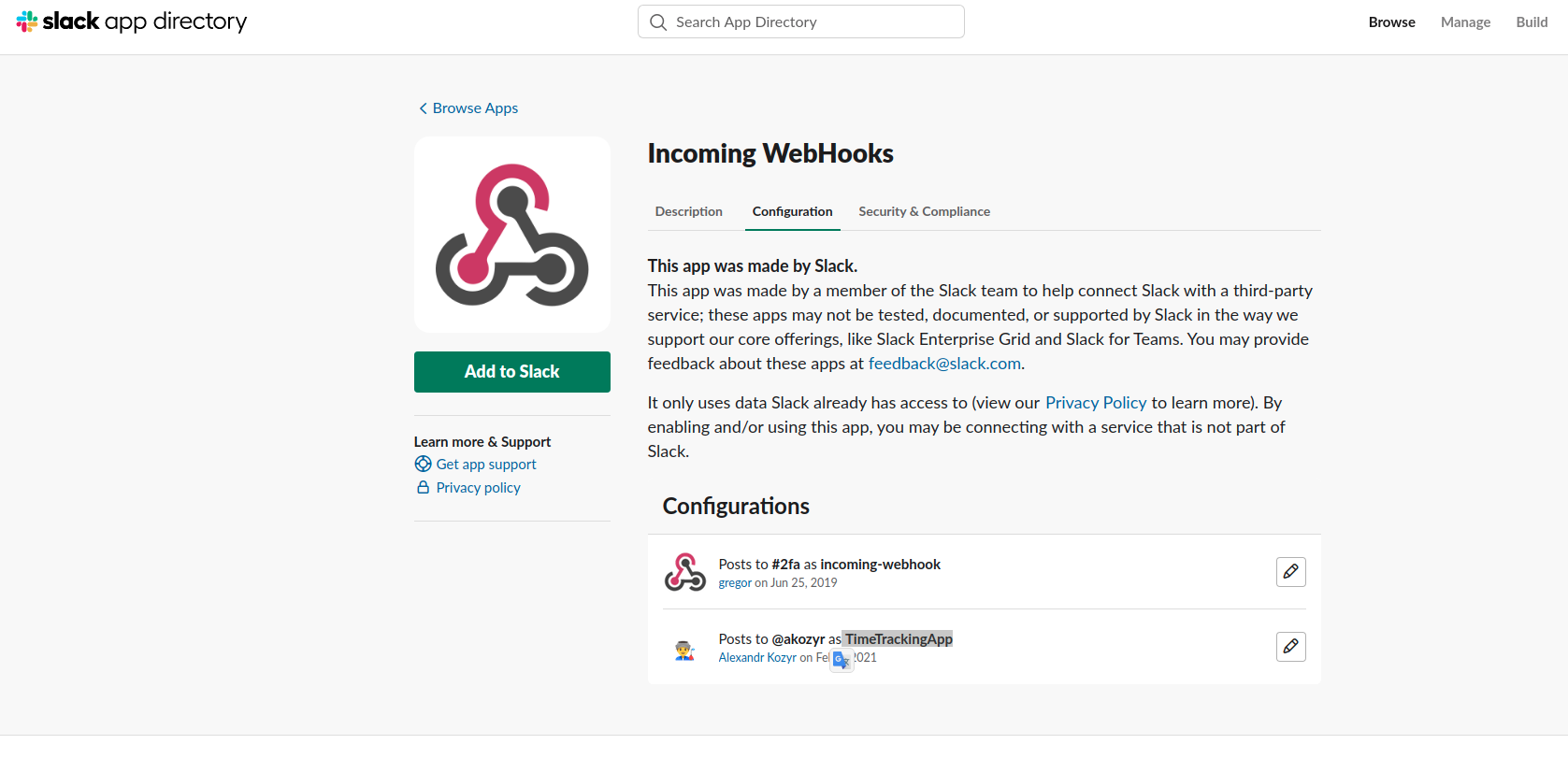
SLACK_WEBHOOK_URL | https://hooks.slack.com/services/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 | URL of the webhook created in Slack. At the moment it will send messages to #pm channel. Details: https://rocketweb.slack.com/apps/manage/custom-integrations Incoming WebHooks→ TimeTrackingApp
|
ENABLE_SLACK_NOTIFICATION | true | can disable Slack Notification |
HARVEST_ACCOUNT_ID | Account Id of the user from Harvest. At the moment we use Alexandra Dima (Unlicensed) admin account for integration. Current creds can be found in BW - "[jira Cloud] Harvest TimeTracking Creds" | |
HARVEST_TOKEN | Token generated in Harvest by User with HARVEST_ACCOUNT_ID. At the moment we use Alexandra Dima (Unlicensed) admin account for integration. Current creds can be found in BW - "[jira Cloud] Harvest TimeTracking Creds" | |
HARVEST_USER_ROLE | All devs | TimeLogs App can gather work logs for Users with different roles. At the moment it gathers work logs only for Development Team. |
No comments to display
No comments to display