
User Documentation
Accessing admin area
Link: http://rocketshoppingfeeds.com/admin
Credenials in Passpack
Using GRAV Admin Panel
Default features are covered in the official documentation: https://learn.getgrav.org/admin-panel
Editing sections
Header

The only editable element in the header section from admin is the main menu. It can contain internal links, external links, buttons and dropdowns.
- Internal links - newly created top level pages are displayed as internal links by default in the main menu. They can be hidden manually from the menu by setting
page > Options > Display Settingsto Yes. - External links - external links are appended by a special icon that indicate that they redirect to an external page. Link can be manually marked as external by setting
page > Options > Display Settings > External linkto Yes. Buttons - to display menu link as a button switch page editing to expert mode and add the following line in the front-matter section:
menu_type: button
Dropdowns - if a page is modular or has sub-pages, they're displayed as dropdown links. Dropdown links can be hidden manually by setting
page > Options > Display Settings > Hide menu dropdownto Yes.
Footer

Editing pages
Homepage
Homepage a modular page that consists of modules described in the table below. Each module is a separate entity that can be used on any other page. Please use the table below as reference when editing the homepage.
| Section | Screenshot | Page in admin | Page type | Editing options |
|---|---|---|---|---|
| Callout | 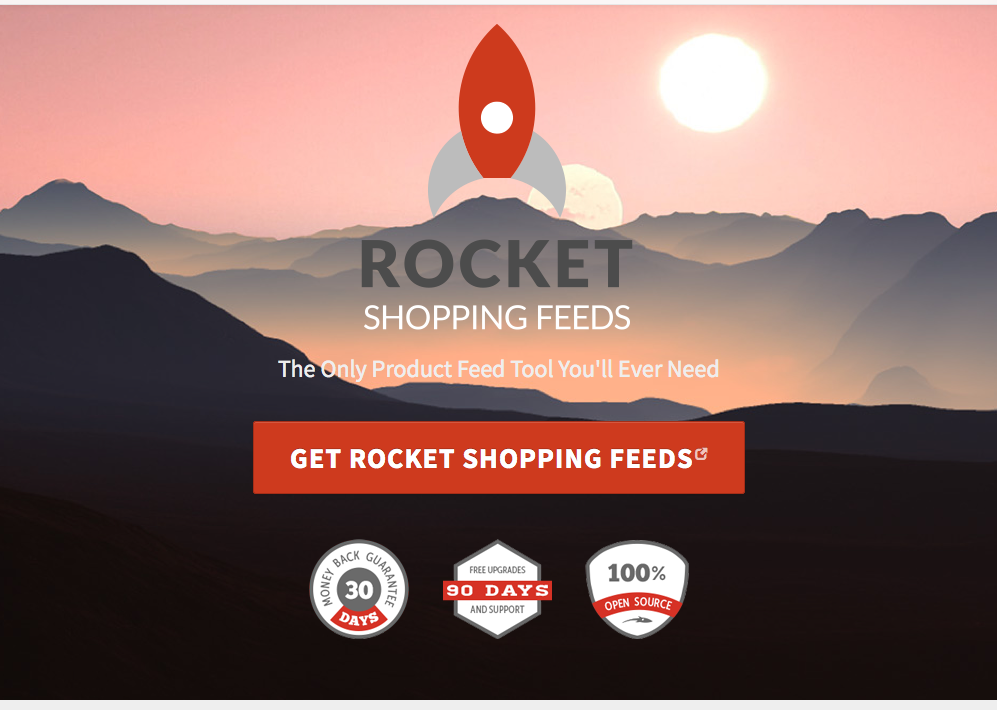 | Homepage > Callout | modular/callout |
|
| Introduction | 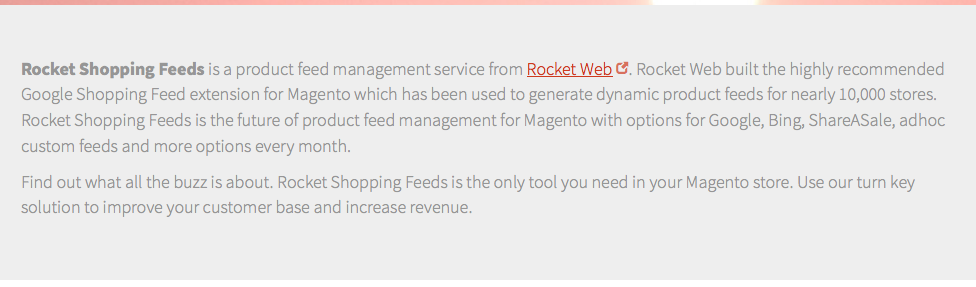 | Homepage > Introduction | modular/text |
|
| Features | 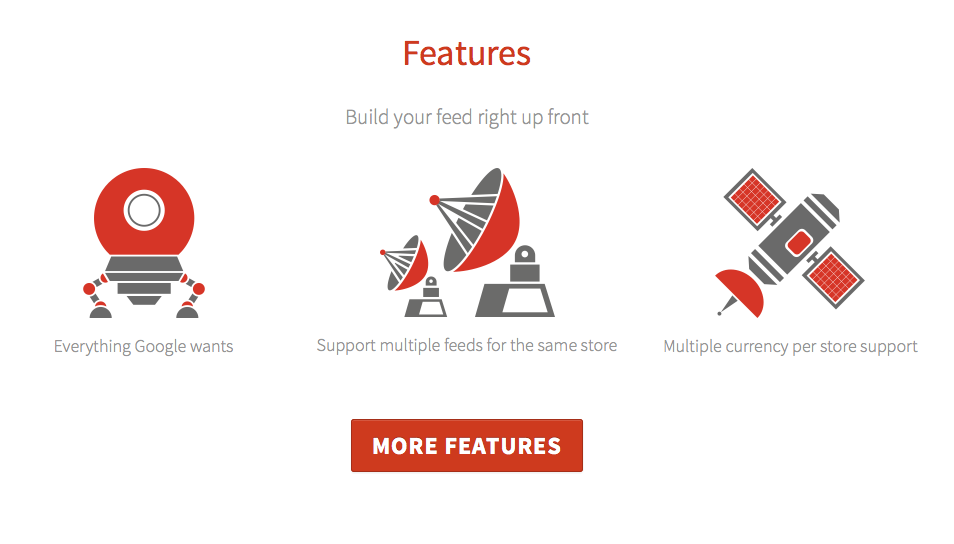 | Homepage > Features | modular/blocks |
|
| Trusted Brands |  | Homepage > Trusted Brands | modular/carousel |
|
| Recommendations |  | Homepage > Recommended by Google | modular/blocks |
|
| Support | 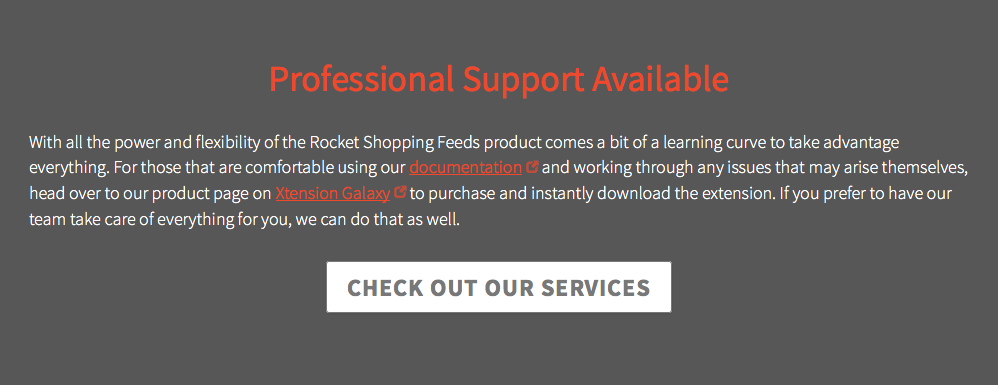 | Homepage > Professional Support Available | modular/text |
|
| About Rocket Web |  | Homepage > Made by the best | modular/callout |
|
| Testimonials | 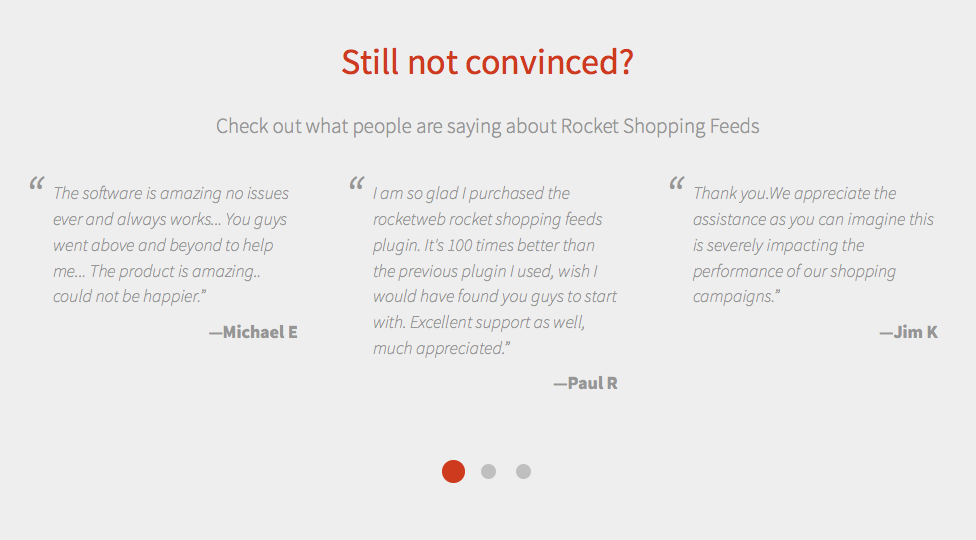 | Homepage > Still not convinced? | modular/carousel |
|
| Call to Action |  | Homepage > Ready to purchase? | modular/text |
|
Features
Features page is a modular page that consists of modules described in the table below. Each module is a separate entity that can be used on any other page. Please use the table below as reference when editing the page.
| Section | Screenshot | Page in admin | Page type | Editing options |
|---|---|---|---|---|
| Features | 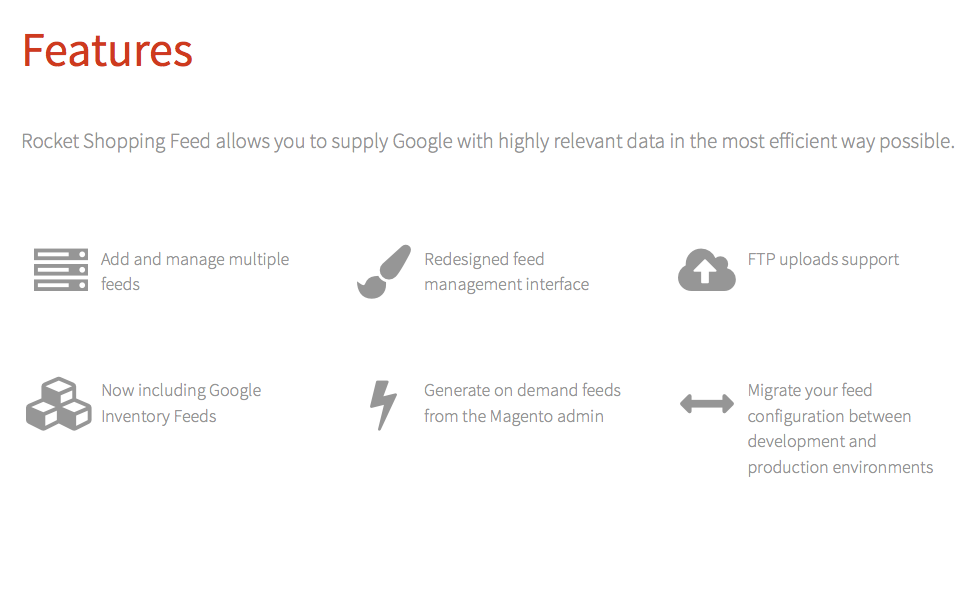 | Features > Features | modular/blocks |
|
| Reasons to choose | 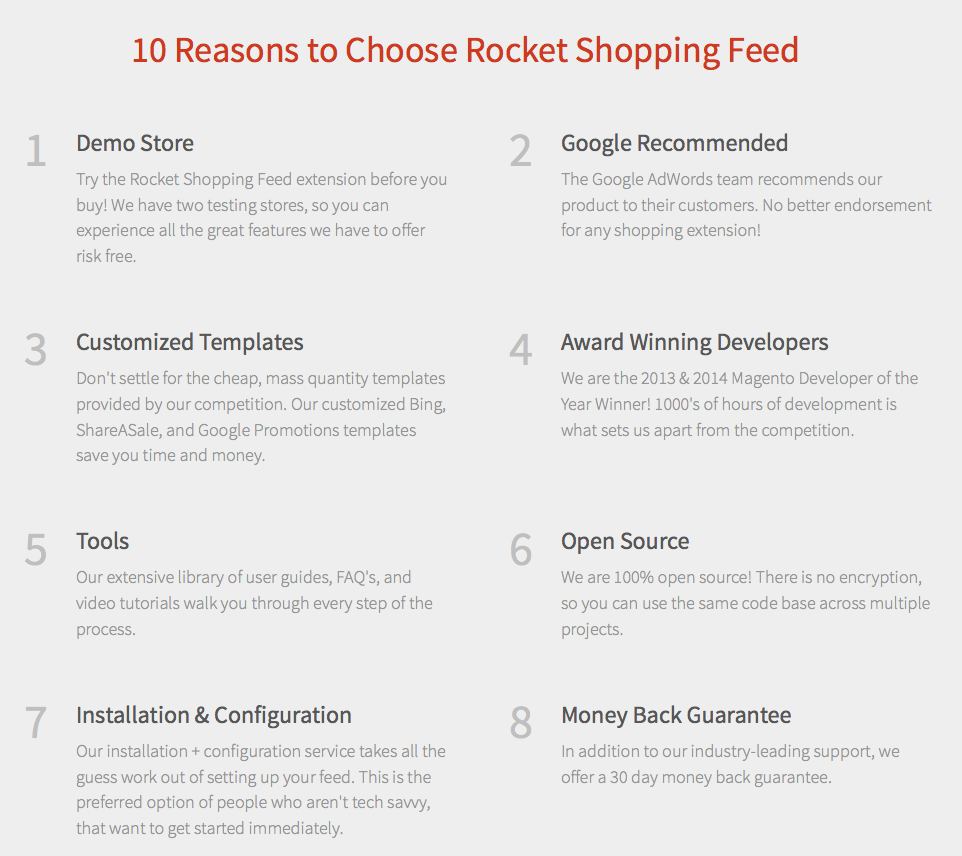 | Features > 10 Reasons to Choose Rocket Shopping Feed | modular/blocks |
|
| Video | 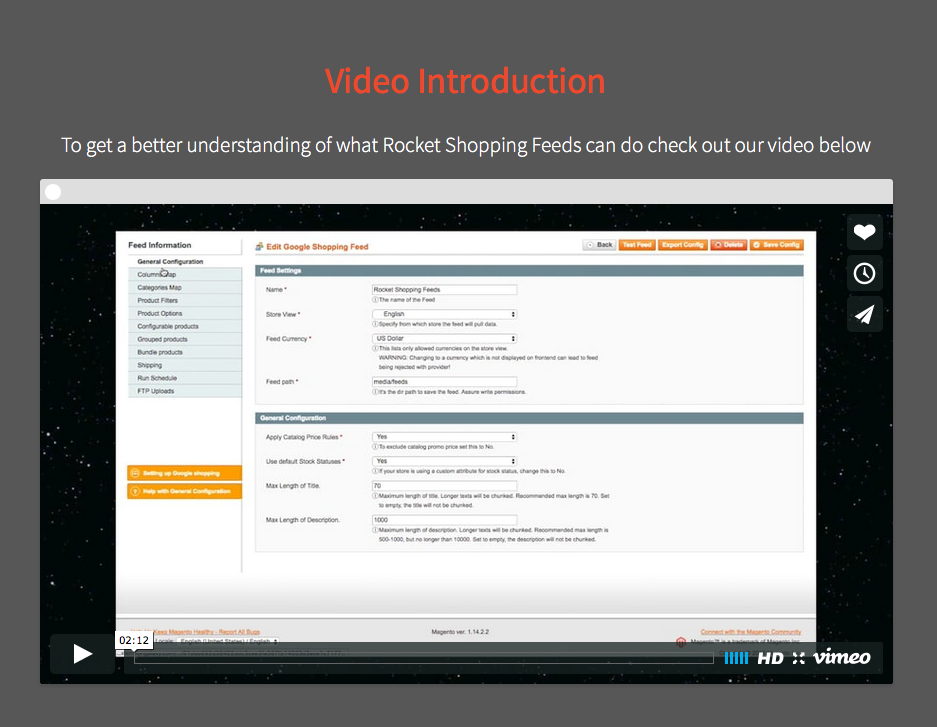 | Features > Video Introduction | modular/video |
|
| Screenshots | 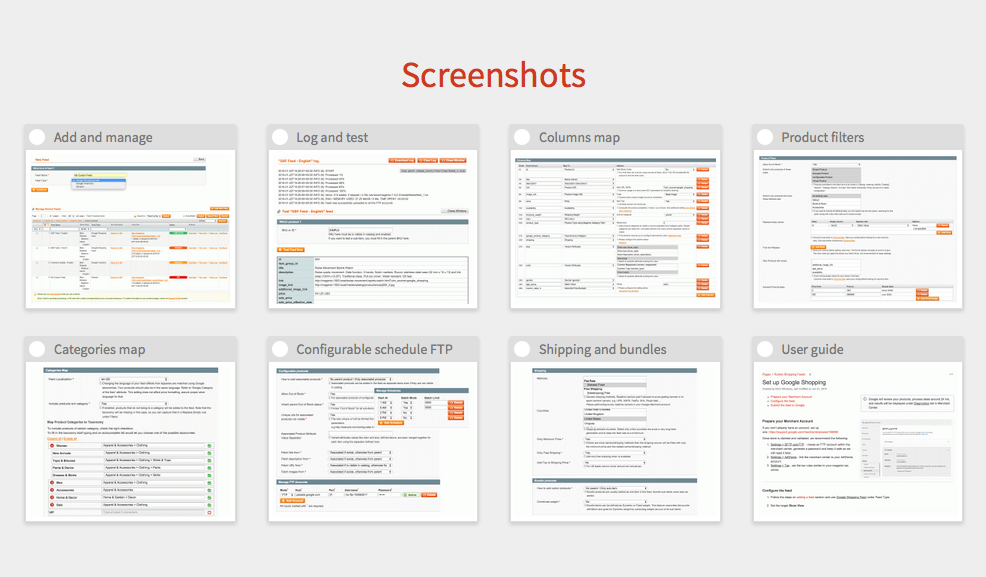 | Features > Screenshots | modular/gallery |
|
| Call to Action | | Features > Ready to purchase? | modular/text |
|
Our services
Our services page is a modular page that consists of modules described in the table below. Each module is a separate entity that can be used on any other page. Please use the table below as reference when editing the page.
| Section | Screenshot | Page in admin | Page type | Editing options |
|---|---|---|---|---|
| Introduction |  | Our Services > Rocket Web | modular/callout |
|
| Services | 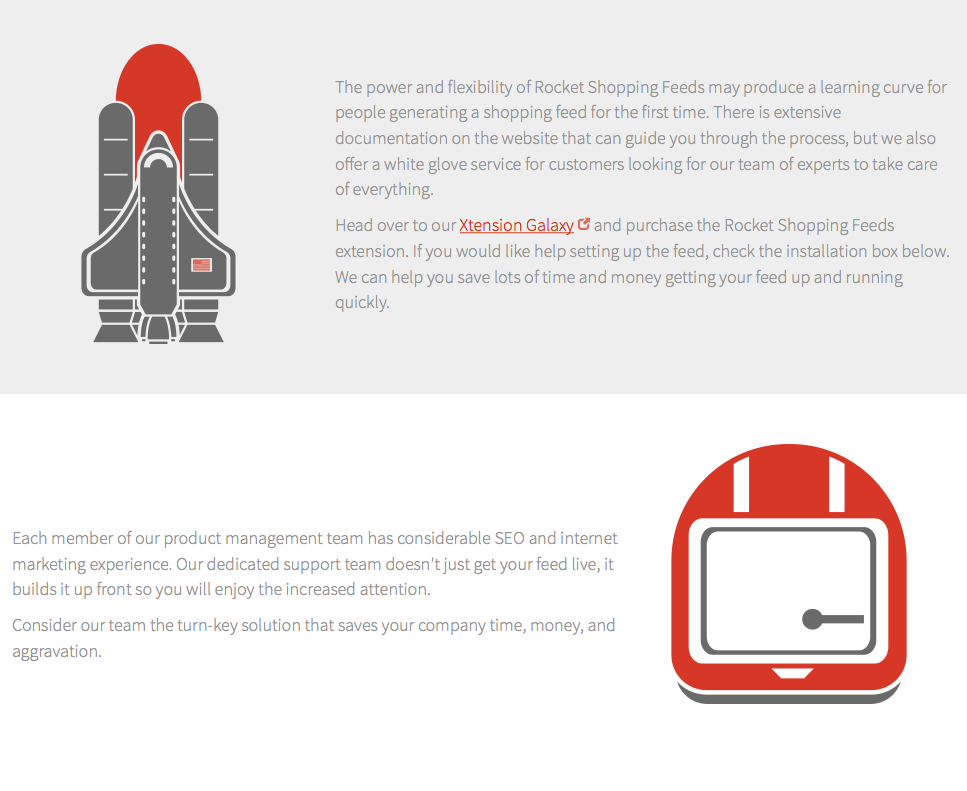 | Our Services > _support Our Services > _team Our Services > _service Our Services > _cost | modular/callout |
|
| Call to Action |  | Our Services > Video Introduction | modular/text |
|
| Testimonial | 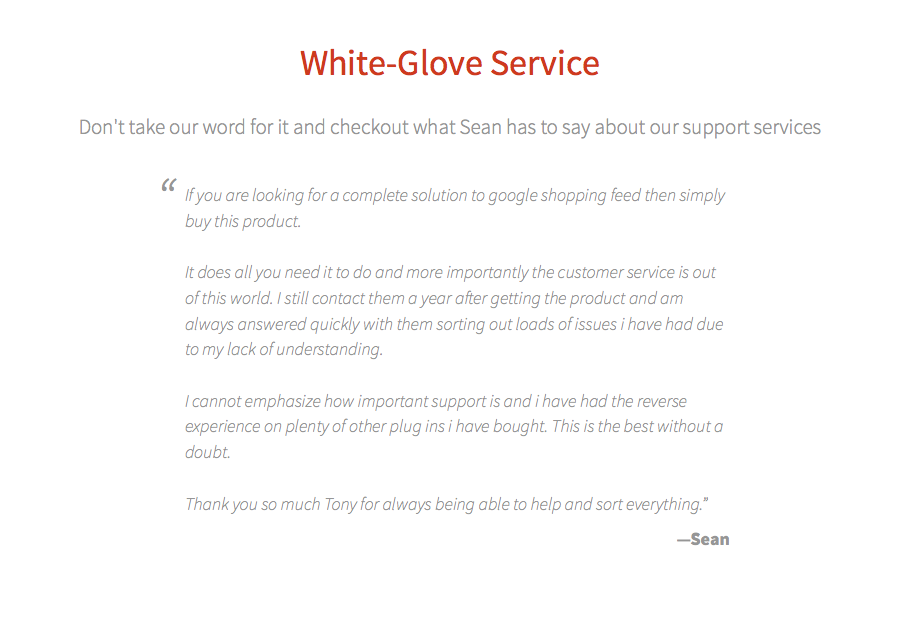 | Our Services > Screenshots | modular/text |
|
FAQ
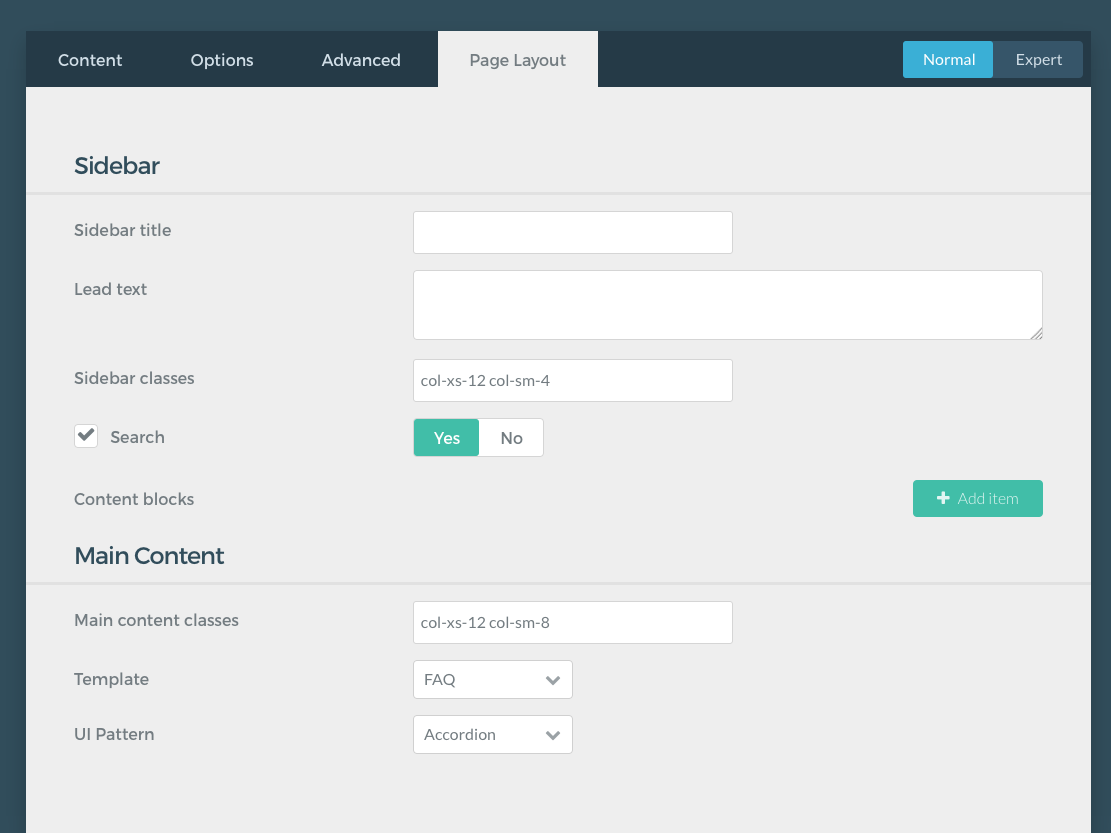
FAQ page is a 2-col page type that consists of 3 independent sections - main content, sidebar and Q&A section. Page layout can be changed in FAQ > Page Layout tab.
| Section | Screenshot | Editing Options |
|---|---|---|
| Introduction | 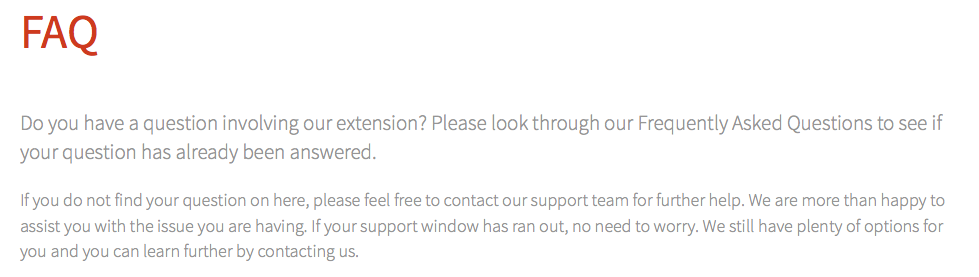 |
|
| Sidebar | 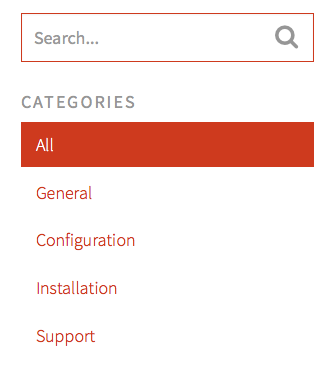 |
|
| Main Content | 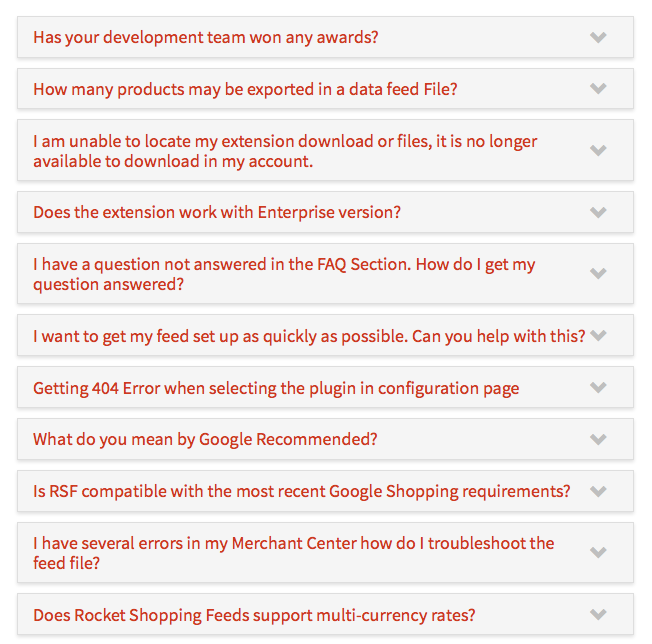 |
|
Video Tutorials
Video Tutorials page is a 2-col page type that consists of 2 independent sections - sidebar and main content. Page layout can be changed in Video Tutorials > Page Layout tab.
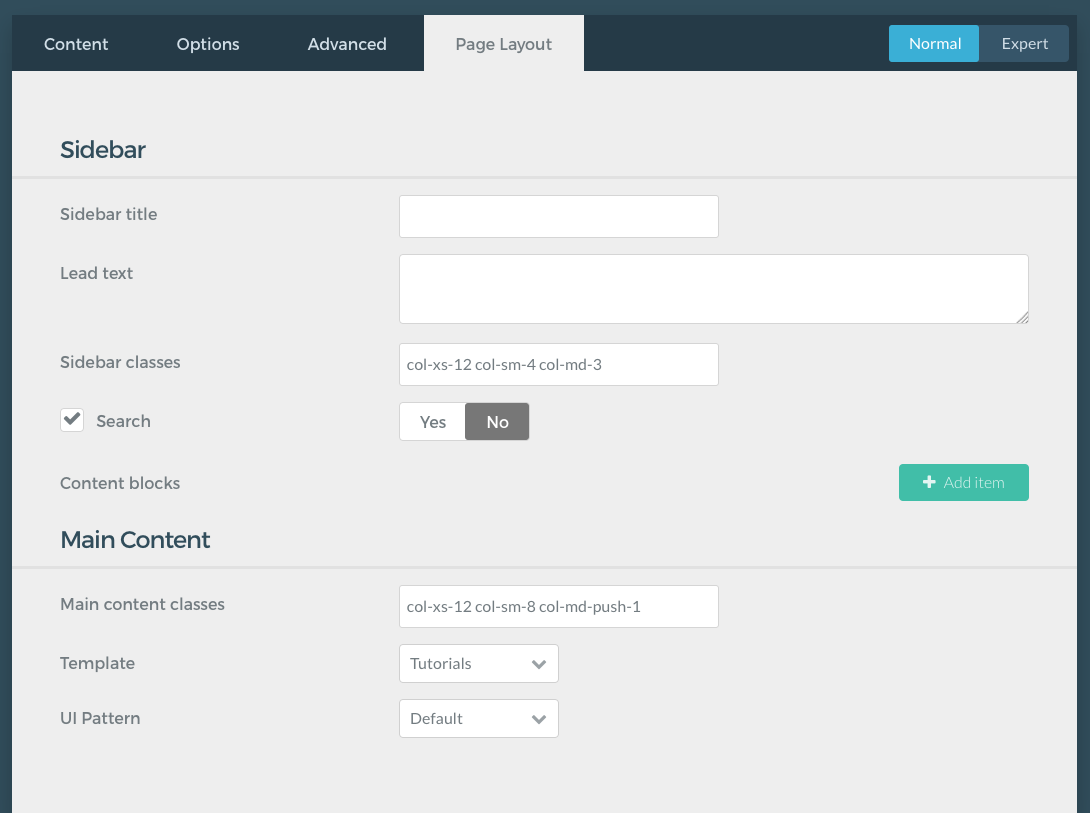
| Section | Screenshot | Editing Options |
|---|---|---|
| Sidebar | 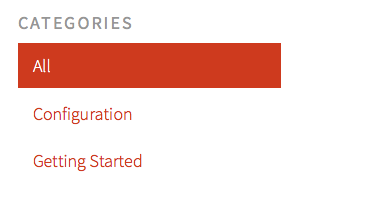 |
|
| Main Content | 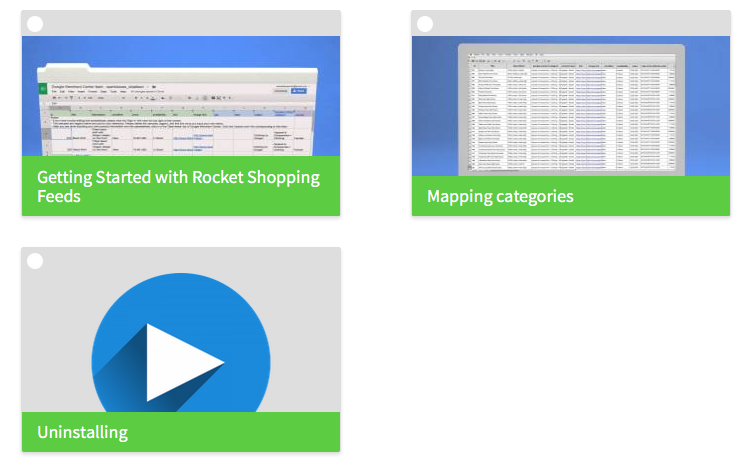 |
|
About Us
About Us page is a modular page that consists of modules described in the table below. Each module is a separate entity that can be used on any other page. Please use the table below as reference when editing the page.
| Section | Screenshot | Page in admin | Page type | Editing options |
|---|---|---|---|---|
| Company | 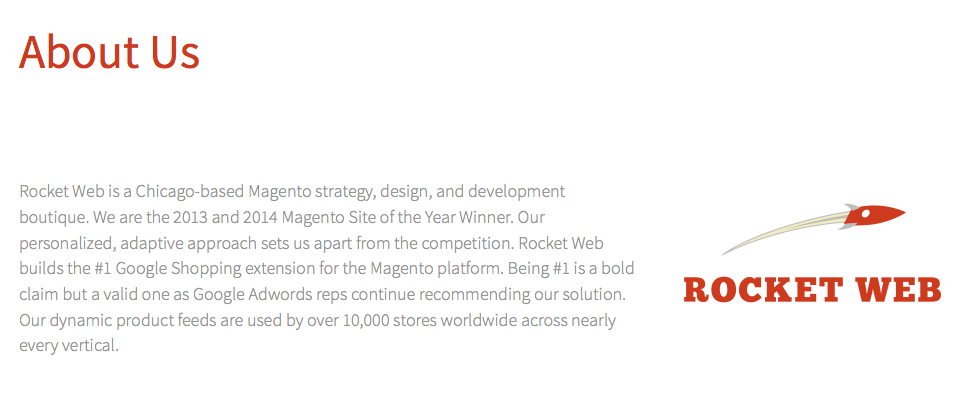 | About Us > Rocket Web | modular/callout |
|
| Awards |  | About Us > Global Recognition | modular/blocks |
|
| Certifications |  | About Us > Magento Solution Partner | modular/text |
|
| Team |  | About Us > Years of Experience | modular/blocks |
|
| Call to Action |  | About Us > Get in Touch | modular/text |
|
Contact
Contact Us page is a 2-col page type that consists of 3 independent sections - introduction, sidebar and contact form.
- Page layout can be changed in
Contact Us > Page Layouttab. - Email configuration options can be changed in
Plugins > Email.
| Section | Screenshot | Editing Options |
|---|---|---|
| Introduction | 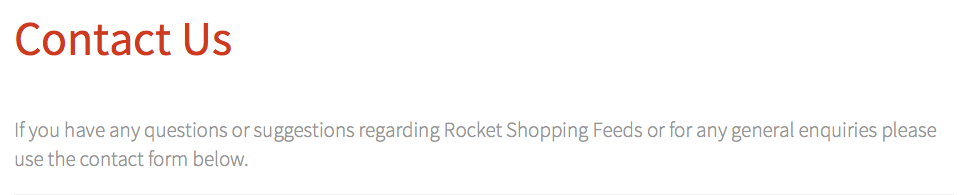 |
|
| Sidebar | 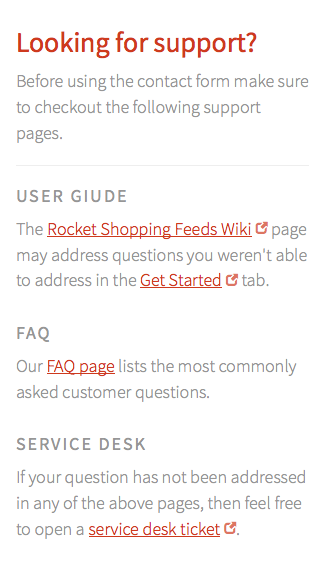 |
|
| Main Content | 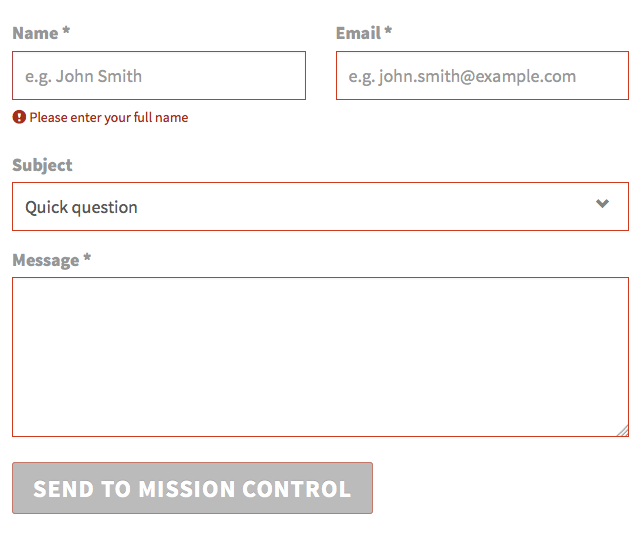 |
|
Changelog
Changelog is a special page type that can only be modified using Frontmatter in Expert mode in Changelog > Expert > Frontmatter (caution: this is advanced functionality, if in doubt please contact Jakub Kulig (Unlicensed) for support).
Sample changelog entry:
1.6.0:
	note: 'Upgrade Note: Some of the settings have been moved from various config sections to been directive parameters in the Column Map. It''s best to have a database backup before upgrade. After upgrade review your feed definition to make sure configs have been migrated properly.'
	new_features:
		- 'Keep price and inventory fresh with Google automatic item updates,'
		- 'Cascading column map definitions to cover products missing data for specific attributes'
		- 'Concatenate attributes using simple expressions to customize output of any column'
	fixes:
		- 'Product Type Using Magento Category directive enhanced to include all active product categories'
		- 'Fix Sale Expiry date'
		- 'Simplify the ''Associated products - Fetch ...'' drop-downs logic, also fix apparel not following the logic'
		- 'Correlate ''Associated products - Fetch main image from'' logic to ''Replace Empty'' rules, so that replace empty happens for both parent and associated when cascading them'
No comments to display
No comments to display