
Shipping
The configuration section fine tunes the output of Shipping directive from Columns Map. Make sure you add a column called "shipping" and map it to the Shipping directive.
The options here help on constructing the output format required by marketplace provider.
The address used in rates computations is being pulled from Shipping Origin under Stores > Configuration > Sales > Shipping Settings > Origin. Make sure that address is set correctly.
Methods
Lets you choose which of the shipping methods you would want to apply on your products in the feed. Only table rates and static shipping methods are available for use here.
Fig 18.1 Shipping Tab
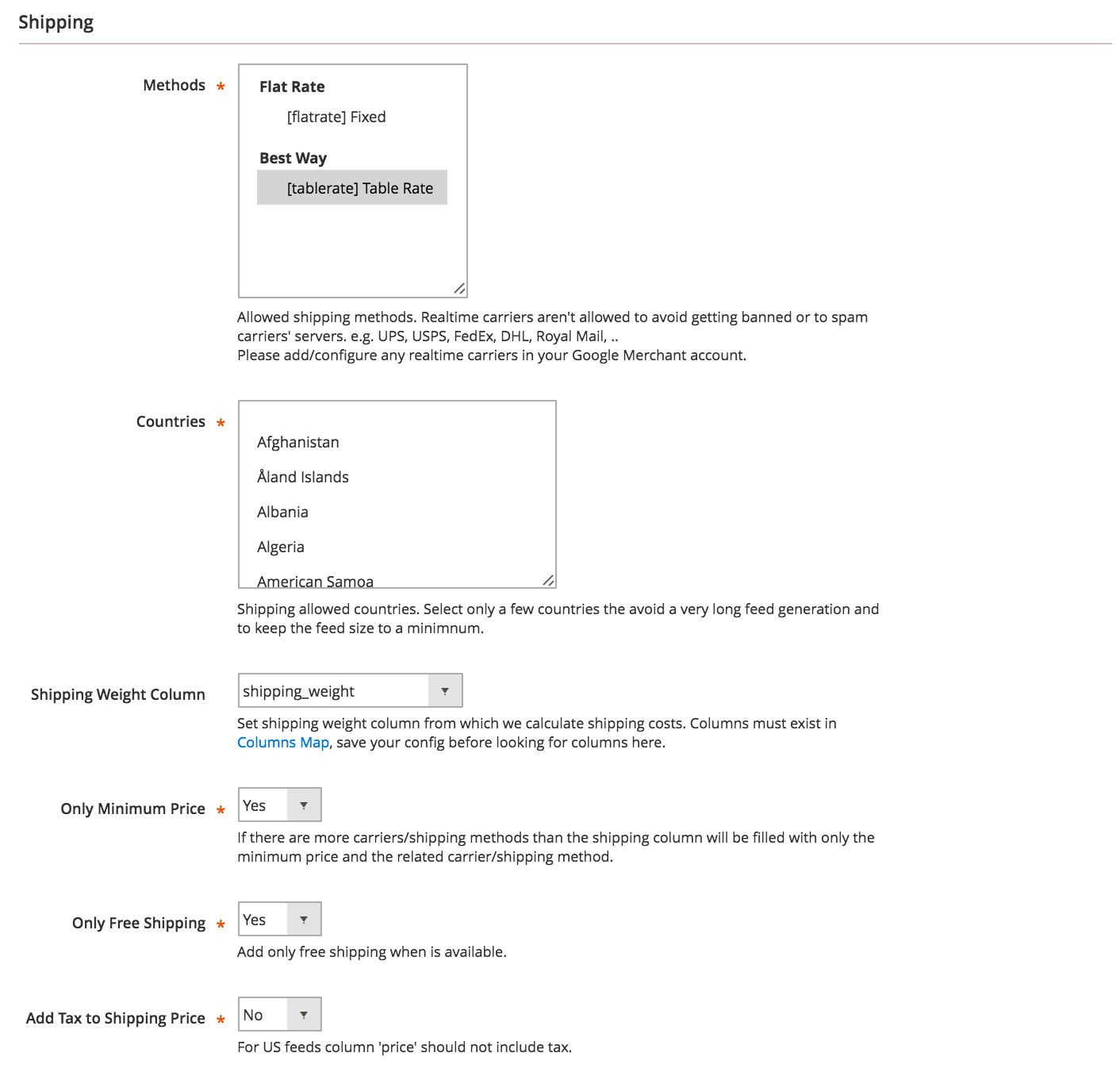
Countries
This option should correspond to the feed's target country. Though you are free to choose multiple countries here, usually only one country per feed is used.
Shipping Weight Column
Shipping costs depend on products weight, so specifying the weight column here allows the costs to be calculated accordingly to the product's weight.
Only Minimum Price
If more than one method applies, you can output only the smallest rate from those that apply.
Only Free Shipping
When more than one rate applies to the same product, and one of them sets free shipping, you can output Free Shipping alone by having this option turned on.
Add Tax to Shipping Price
Will include tax rate calculation if it applies to the shipping rate. Most of the times - and especially for US feeds - this should be off.
No comments to display
No comments to display